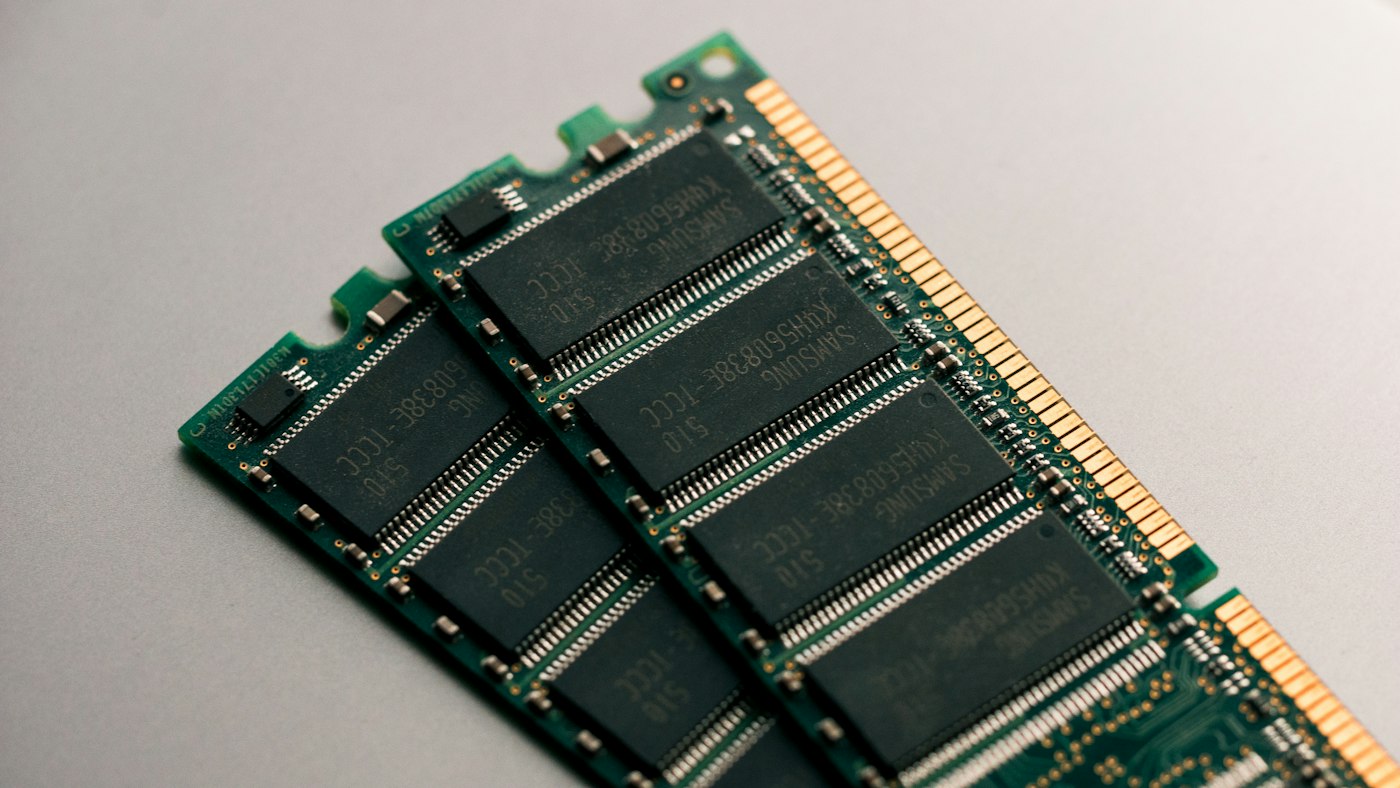
Test setup: Ryzen 7 9700X on an ASRock X670E Taichi, same 2x16GB kit running at different XMP/EXPO profiles, RX 7900 XTX GPU, Windows 11 24H2. All other settings constant between tests. Memory kit: Corsair Dominator Titanium DDR5 that can run at any profile from DDR5-4800 to DDR5-7200 stably on this board. Tests: Cinebench R24 (single + multi), Blender 4.2 BMW, seven gaming titles at 1080p (to be CPU-limited), and a large file compile test.
Memory Bandwidth and Latency at Each Setting
| Speed | Timings | Read Bandwidth (GB/s) | Latency (ns) |
|---|---|---|---|
| DDR5-4800 | CL40-39-39-76 | 74.2 | 73.4 |
| DDR5-5600 | CL36-36-36-72 | 87.1 | 66.8 |
| DDR5-6000 | CL30-38-38-76 | 93.7 | 58.3 |
| DDR5-7200 | CL34-45-45-90 | 111.4 | 55.1 |
The bandwidth jump from 4800 to 6000 is substantial (26%). The jump from 6000 to 7200 is also large in bandwidth terms (19%), but look at the latency: it only drops from 58.3ns to 55.1ns. That's because the higher frequency comes with looser primary timings (CL34 vs. CL30). High frequency + tight timings is the ideal, but kits that do both at 7200 are expensive and require matching board support.
Gaming Results (1080p, CPU-Limited)
| Game | DDR5-4800 | DDR5-6000 | DDR5-7200 | 4800→6000 gain |
|---|---|---|---|---|
| Cyberpunk 2077 | 81 fps | 90 fps | 91 fps | +11% |
| Flight Sim 2026 | 74 fps | 84 fps | 87 fps | +14% |
| CS2 | 411 fps | 452 fps | 461 fps | +10% |
| Forza Motorsport | 143 fps | 152 fps | 153 fps | +6% |
| BG3 | 102 fps | 107 fps | 108 fps | +5% |
The 4800 to 6000 jump is meaningful — 6-14% in games, with the biggest gains in CPU-sensitive titles like Flight Simulator. The 6000 to 7200 jump is small: 1-3% depending on the game. For gaming, DDR5-6000 is essentially the ceiling of meaningful returns for the current platform.
Productivity and Rendering
In Blender BMW: DDR5-4800 finished in 2m 38s, DDR5-6000 in 2m 21s (11% faster), DDR5-7200 in 2m 18s (1.3% faster than 6000). Cinebench R24 multi-core: 4800 scored 1,832; 6000 scored 1,914 (+4.5%); 7200 scored 1,921 (+0.4%). In the large code compile test: 4800 took 4m 12s, 6000 took 3m 51s, 7200 took 3m 49s.
The pattern is consistent: the 4800 to 6000 upgrade delivers real returns in both gaming and productivity. The 6000 to 7200 upgrade delivers marginal additional gains across the board — less than 2% in most workloads.
What This Means for Buying
If you're buying memory for an AM5 system: get DDR5-6000 CL30. This is the sweet spot — you get ~85% of the available performance gains over DDR5-4800 at a price that's now roughly $10-15 more than DDR5-5600 kits. The G.Skill Flare X5 DDR5-6000 CL32 32GB kit at $89 is currently the value leader; the Corsair Vengeance DDR5-6000 CL36 is cheaper (~$79) and performs 2-3% lower due to looser timings.
Don't pay a premium for DDR5-7200+ unless you're overclocking-focused and want to squeeze every last frame. The gains don't justify the price premium or the added complexity of ensuring your specific motherboard handles it without stability issues.
For Intel LGA1851: similar principle. Intel's memory controller is a bit more forgiving with high-speed kits, and DDR5-7200 with tighter timings is achievable on more boards, but the performance ceiling is in a similar place. DDR5-6400 CL32 is a reasonable sweet spot for Intel as well.
Disclosure: RAM kit was purchased at retail. All results are from clean-state testing on the same physical machine.